

การยืนยันตัวตนผู้ใช้
GraphQL query ที่จะรันอาจต้องการให้ผู้ใช้เข้าสู่ระบบก่อน เช่น เมื่อต้องการรัน mutation เพื่อสร้างโพสต์
มีหลายวิธีในการยืนยันตัวตนผู้ใช้
การใช้คุกกี้จากเซสชันที่ยืนยันตัวตนแล้วใน WordPress
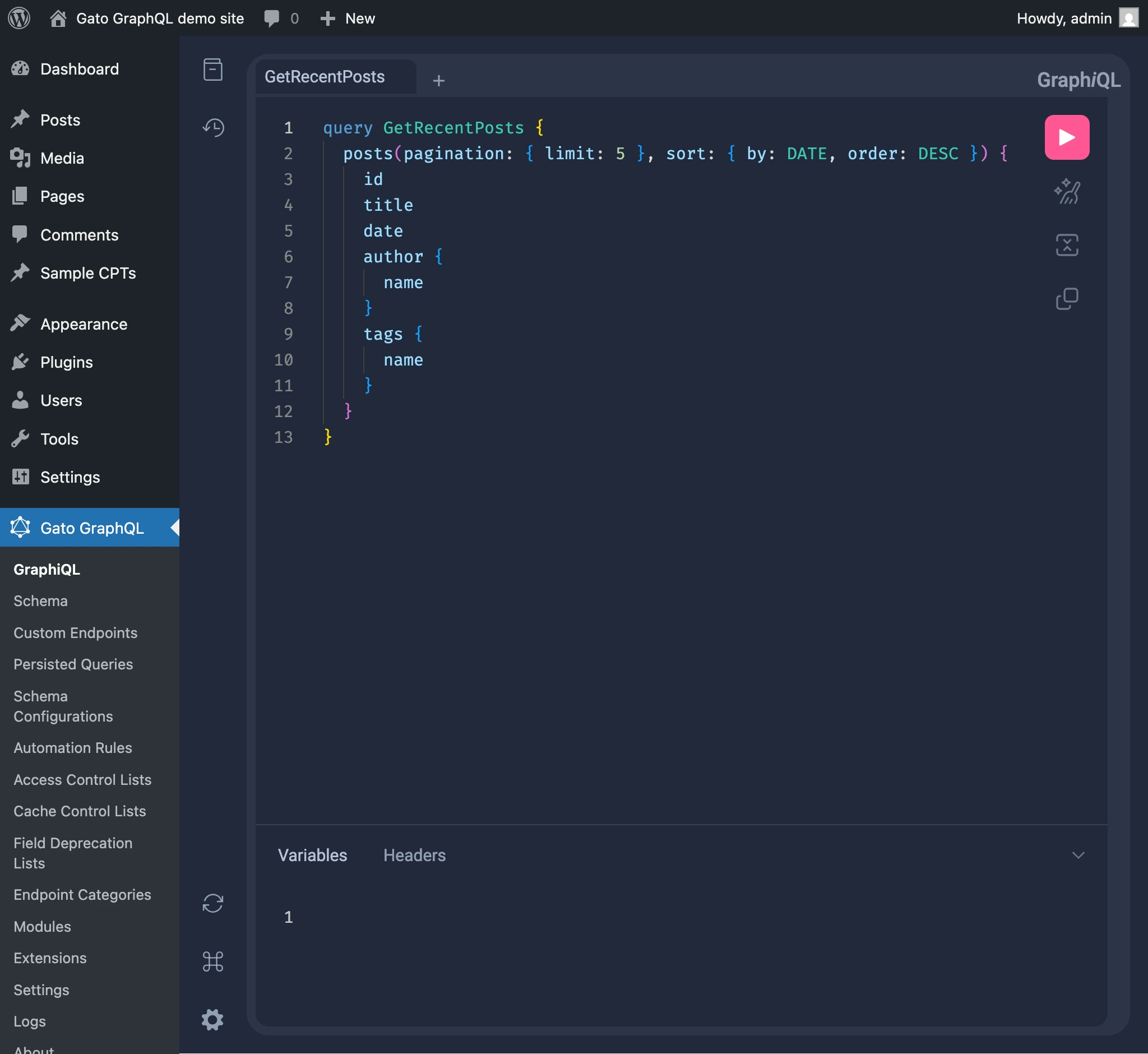
เนื่องจาก WordPress ใช้การยืนยันตัวตนผู้ใช้แบบอิงคุกกี้ เมื่อเราเข้าสู่ระบบ WordPress ไว้แล้ว เราสามารถเปิด GraphiQL client และรัน GraphQL queries จากที่นั่นได้โดยตรง
เนื่องจากคุกกี้ที่ส่งไปกับ GraphQL request เป็นคุกกี้เดียวกับของ WordPress site ผู้ใช้จะเข้าสู่ระบบไว้แล้ว
loginUser mutation
ใน GraphQL query เดียวกันที่ใช้รัน mutation ที่ต้องการ เราสามารถใช้ loginUser mutation เพื่อยืนยันตัวตนผู้ใช้ได้
โปรดทราบว่าลำดับมีความสำคัญ: loginUser ต้องถูกเพิ่มก่อน mutation อื่นๆ (ในกรณีนี้คือ createPost):
mutation {
loginUser(
by: {
credentials: {
usernameOrEmail: "myusername",
password: "mypassword"
}
}
) {
status
errors {
__typename
...on ErrorPayload {
message
}
...on GenericErrorPayload {
code
}
}
userID
}
createPost(input: {
title: "Hello world!"
contentAs: {
html: "<p>How are you?</p>"
}
}) {
status
errors {
__typename
...on ErrorPayload {
message
}
}
post {
id
title
content
}
}
}Application Passwords
เราสามารถใช้ WordPress Application Passwords เพื่อส่ง request ที่ยืนยันตัวตนแล้วไปยัง GraphQL endpoint
ตัวอย่างเช่น เราสามารถส่ง application password เมื่อรันคำสั่ง curl กับ GraphQL server โดยแทนที่ค่า USERNAME และ PASSWORD:
curl -i \
--user "USERNAME:PASSWORD" \
-X POST \
-H "Content-Type: application/json" \
-d '{"query": "{ me { name } }"}' \
https://mysite.com/graphqlเราสามารถใช้ Gato GraphQL เพื่อรัน HTTP request ที่ยืนยันตัวตนแล้วกับ WordPress site อื่น
query ด้านล่างรับชื่อผู้ใช้และ application password (และ endpoint ที่จะเชื่อมต่อ) สร้าง authentication header ที่จำเป็น และรัน query กับ GraphQL server ภายนอก:
query GetDataFromExternalWPSite(
$username: String!
$appPassword: String!
$endpoint: URL!
) {
loginCredentials: _sprintf(
string: "%s:%s",
values: [$username, $appPassword]
)
@remove
base64EncodedLoginCredentials: _strBase64Encode(
string: $__loginCredentials
)
@remove
loginCredentialsHeaderValue: _sprintf(
string: "Basic %s",
values: [$__base64EncodedLoginCredentials]
)
@remove
externalHTTPRequestWithUserPassword: _sendGraphQLHTTPRequest(input:{
endpoint: $endpoint,
query: """
{
me {
name
}
}
""",
options: {
headers: [
{
name: "Authorization",
value: $__loginCredentialsHeaderValue
}
]
}
})
}